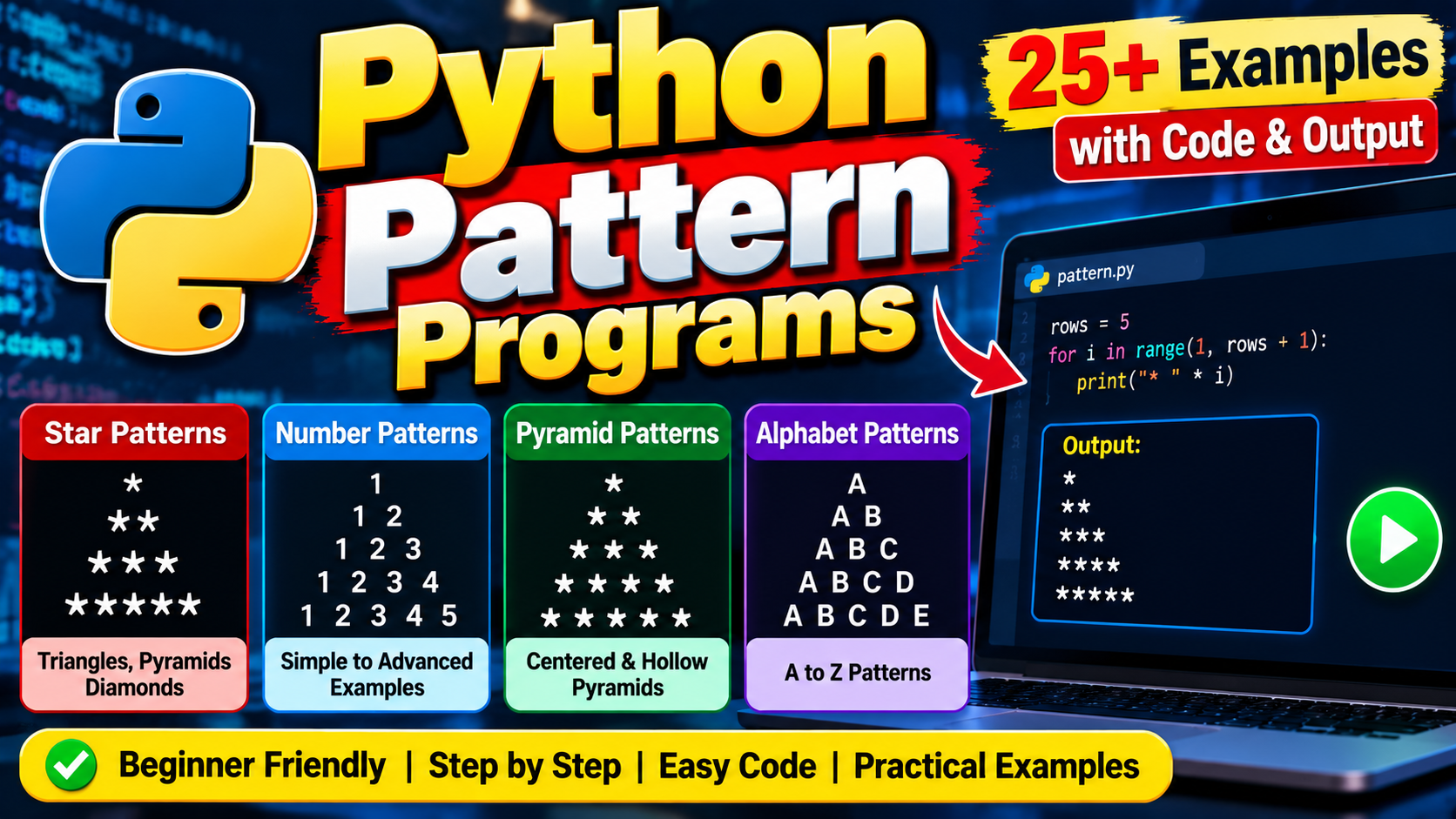
Python pattern programs are beginner-friendly coding exercises that print stars, numbers, letters, and shapes in different arrangements. They help students understand loops, nested loops, and spacing. In this guide, you will learn 25 Python pattern programs with code and output, suitable for beginners, college assignments, and programming practice.
1. How Do Python Pattern Programs Work?
Most pattern programs use a for loop to control the rows and another loop to print the items in each row.
Here are the main concepts:
forloop: Repeats a block of code.- Nested loop: A loop placed inside another loop.
range()function: Generates numbers used by a loop.print()function: Displays output.end="": Prints items on the same line instead of moving to the next line.- Spaces: Help align numbers and stars into shapes.
For example, range(1, 5) generates the numbers 1, 2, 3, and 4. The ending value, 5, is not included.
2. Simple Star Pattern Programs in Python
Program 1: Print a Single Star
Code:
print("*")Output:
*Explanation: The print() function displays one star.
Program 2: Print Five Stars in One Line
Code:
print("* * * * *")Output:
* * * * *Explanation: The stars are separated by spaces and printed on one line.
Program 3: Right-Angled Star Triangle
Code:
rows = 5

for i in range(1, rows + 1):
    print("* " * i)
Output:
*
* *
* * *
* * * *
* * * * *
Explanation: The variable i increases from 1 to 5. Each row prints that number of stars.
Program 4: Inverted Star Triangle
Code:
rows = 5

for i in range(rows, 0, -1):
    print("* " * i)
Output:
* * * * *
* * * *
* * *
* *
*
Explanation: The loop starts at 5 and decreases by 1 after every row.
Program 5: Square Star Pattern
Code:
rows = 5

for i in range(rows):
    print("* " * rows)
Output:
* * * * *
* * * * *
* * * * *
* * * * *
* * * * *
Explanation: Every row contains five stars, so the result is a square.
Program 6: Hollow Square Star Pattern
Code:
n = 5

for i in range(n):
    for j in range(n):
        if i == 0 or i == n - 1 or j == 0 or j == n - 1:
            print("*", end=" ")
        else:
            print(" ", end=" ")
    print()
Output:
* * * * *
*       *
*       *
*       *
* * * * *
Explanation: Stars appear on the top, bottom, left, and right edges. The inside remains empty.
Program 7: Full Pyramid Star Pattern
Code:
rows = 5

for i in range(1, rows + 1):
    print(" " * (rows - i) + "* " * i)
Output:
    *
   * *
  * * *
 * * * *
* * * * *
Explanation: Spaces are printed before the stars to move each row toward the center.
Program 8: Inverted Pyramid Star Pattern
Code:
rows = 5

for i in range(rows, 0, -1):
    print(" " * (rows - i) + "* " * i)
Output:
* * * * *
 * * * *
  * * *
   * *
    *
Explanation: The number of stars decreases while the leading spaces increase.
Program 9: Diamond Star Pattern
Code:
rows = 5

for i in range(1, rows + 1):
    print(" " * (rows - i) + "* " * i)

for i in range(rows - 1, 0, -1):
    print(" " * (rows - i) + "* " * i)
Output:
    *
   * *
  * * *
 * * * *
* * * * *
 * * * *
  * * *
   * *
    *
Explanation: The first loop creates the upper half. The second loop creates the lower half.
Program 10: Hollow Pyramid Star Pattern
Code:
rows = 5

for i in range(1, rows + 1):
    print(" " * (rows - i), end="")

    for j in range(1, 2 * i):
        if j == 1 or j == 2 * i - 1 or i == rows:
            print("*", end="")
        else:
            print(" ", end="")

    print()
Output:
    *
   * *
  *   *
 *     *
*********
Explanation: The program prints stars along the sides of the pyramid and fills the bottom row.
3. Number Pattern Programs in Python
Program 11: Increasing Number Triangle
Code:
rows = 5

for i in range(1, rows + 1):
    for j in range(1, i + 1):
        print(j, end=" ")
    print()
Output:
1
1 2
1 2 3
1 2 3 4
1 2 3 4 5
Explanation: The inner loop prints numbers from 1 up to the current row number.
Program 12: Repeated Number Triangle
Code:
rows = 5

for i in range(1, rows + 1):
    print((str(i) + " ") * i)
Output:
1
2 2
3 3 3
4 4 4 4
5 5 5 5 5
Explanation: Each row repeats its row number. str(i) converts the number into text so it can be repeated.
Program 13: Inverted Number Triangle
Code:
rows = 5

for i in range(rows, 0, -1):
    for j in range(1, i + 1):
        print(j, end=" ")
    print()
Output:
1 2 3 4 5
1 2 3 4
1 2 3
1 2
1
Explanation: The number of items decreases by one in every new row.
Program 14: Same Number in Every Row
Code:
rows = 5

for i in range(1, rows + 1):
    for j in range(i):
        print(i, end=" ")
    print()
Output:
1
2 2
3 3 3
4 4 4 4
5 5 5 5 5
Explanation: The outer loop selects the number. The inner loop prints that number as many times as its row position.
Program 15: Continuous Number Triangle
Code:
rows = 4
num = 1

for i in range(1, rows + 1):
    for j in range(i):
        print(num, end=" ")
        num += 1
    print()
Output:
1
2 3
4 5 6
7 8 9 10
Explanation: The variable num increases after each printed number. This pattern is known as Floyd’s triangle.
Program 16: Reverse Number Triangle
Code:
rows = 5

for i in range(rows, 0, -1):
    for j in range(i, 0, -1):
        print(j, end=" ")
    print()
Output:
5 4 3 2 1
4 3 2 1
3 2 1
2 1
1
Explanation: Each row begins with its row number and counts backward to 1.
Program 17: Binary Number Triangle
Code:
rows = 5

for i in range(1, rows + 1):
    for j in range(i):
        print((i + j) % 2, end=" ")
    print()
Output:
1
0 1
1 0 1
0 1 0 1
1 0 1 0 1
Explanation: The expression (i + j) % 2 alternates between 0 and 1.
Program 18: Number Pyramid
Code:
rows = 5

for i in range(1, rows + 1):
    print(" " * (rows - i), end="")

    for j in range(1, i + 1):
        print(j, end=" ")

    print()
Output:
    1
   1 2
  1 2 3
 1 2 3 4
1 2 3 4 5
Explanation: Leading spaces align the numbers into a pyramid-like shape.
4. Alphabet Pattern Programs in Python
Program 19: Increasing Alphabet Triangle
Code:
rows = 5

for i in range(1, rows + 1):
    for j in range(i):
        print(chr(65 + j), end=" ")
    print()
Output:
A
A B
A B C
A B C D
A B C D E
Explanation: The chr() function converts a character code into a character. In Python, chr(65) returns A.
Program 20: Repeated Alphabet Triangle
Code:
rows = 5

for i in range(1, rows + 1):
    letter = chr(64 + i)
    print((letter + " ") * i)
Output:
A
B B
C C C
D D D D
E E E E E
Explanation: Each row repeats a single letter. The letter changes as the row number increases.
Program 21: Alphabet Sequence in One Line
Code:
for i in range(65, 70):
    print(chr(i), end=" ")
Output:
A B C D EExplanation: The loop moves through the character codes for the letters A to E.
5. Advanced Python Pattern Programs
Program 22: Right-Aligned Star Triangle
Code:
rows = 5

for i in range(1, rows + 1):
    print(" " * (rows - i) + "* " * i)
Output:
    *
   * *
  * * *
 * * * *
* * * * *
Explanation: The spaces at the start of each row align the stars toward the right.
Program 23: X-Shaped Star Pattern
Code:
n = 5

for i in range(n):
    for j in range(n):
        if i == j or i + j == n - 1:
            print("*", end=" ")
        else:
            print(" ", end=" ")
    print()
Output:
*       *
  *   *
    *
  *   *
*       *
Explanation: A star is printed on both diagonals of the square.
Program 24: Plus-Shaped Star Pattern
Code:
n = 5
middle = n // 2

for i in range(n):
    for j in range(n):
        if i == middle or j == middle:
            print("*", end=" ")
        else:
            print(" ", end=" ")
    print()
Output:
    *
    *
* * * * *
    *
    *
Explanation: Stars are printed across the middle row and the middle column.
Program 25: Pascal’s Triangle
Code:
rows = 5

for i in range(rows):
    value = 1
    print(" " * (rows - i), end="")

    for j in range(i + 1):
        print(value, end=" ")
        value = value * (i - j) // (j + 1) if j < i else value

    print()
Output:
     1
    1 1
   1 2 1
  1 3 3 1
 1 4 6 4 1
Explanation: Pascal’s triangle starts with 1. Each row contains numbers calculated from the previous row. It is useful for learning number patterns and basic mathematical relationships.
6. How Can You Change the Number of Rows?
In these programs, rows controls the size of the pattern.
For example:
rows = 7

for i in range(1, rows + 1):
    print("* " * i)
This prints a triangle with seven rows instead of five.
You can change rows to 3, 4, 6, 8, or another positive number to practise different sizes. For a program that accepts input from the user, replace the first line with:
rows = int(input("Enter number of rows: "))7. Common Mistakes in Python Pattern Programs
| Mistake | How to fix it |
|---|---|
| Incorrect indentation | Align the statements inside each loop consistently. |
Wrong range() endpoint | Remember that the stop value is not included. |
Missing print() after an inner loop | Add it to move to the next row. |
Using print() without end | Use end=" " when items must stay on the same line. |
| Incorrect spaces | Check how many leading spaces each row needs. |
| Repeating a number instead of a string | Convert the number with str() before repeating it. |
8. Frequently Asked Questions
What are Python pattern programs?
Python pattern programs print shapes made of stars, numbers, letters, or spaces. They are commonly used to practise loops and nested loops.
How do I print a star pattern in Python?
Use a loop to repeat the star character. For example:
for i in range(1, 6):
    print("* " * i)
What is a nested loop in Python?
A nested loop is a loop inside another loop. In pattern programs, the outer loop usually controls the rows, while the inner loop controls the items printed in each row.
Which Python pattern programs should beginners practise first?
Start with a square, right-angled triangle, inverted triangle, number triangle, alphabet triangle, and pyramid. Then try hollow shapes and diagonal patterns.
Are Python pattern programs useful for college practicals?
They are useful practice for understanding loops, conditions, spacing, and output formatting. The exact programs required depend on your course and practical syllabus.
What is the difference between a star pattern and a number pattern?
A star pattern prints symbols such as *, while a number pattern prints digits in a specific order. Both can use similar loop structures.
9. Conclusion
Python pattern programs are a simple way to practise programming logic. Start with basic star triangles, then move on to number patterns, alphabet patterns, pyramids, and advanced shapes. Run each program, change the number of rows, and observe how the output changes.
Regular practice will help you understand nested loops and prepare for coding exercises, assignments, and practical exams.
Trusted References
- Python documentation — More Control Flow Tools: learn how
forloops andrange()work. - Programiz — Python Program to Create Pyramid Patterns: explore additional pyramid and triangle examples.
Image Suggestions for This Article
- Featured image: Python pattern programs with star, number, and pyramid examples.
Alt text:Python pattern programs with star number and pyramid examples - Code illustration: Python nested loops printing a star triangle.
Alt text:Python star pattern program using nested loops - Output illustration: Different number and alphabet patterns in Python.
Alt text:Python number and alphabet pattern programs with output
Suggested Related Articles
Create these supporting articles and link them to this guide when the pages are published:
- Python Programs with Output for Beginners
- Python for Loop Examples
- Python Nested Loops Explained
- Fibonacci Series Program in Python
- Python Programs for College Practical Exams