Python is one of the most useful programming languages for college students. It is easy to learn, has simple syntax, and can be used to build applications, automation tools, games, websites, data projects, and AI/ML applications.
For college students, building projects is a great way to move from learning Python concepts to actually using them. A small project can help you understand how variables, loops, functions, files, databases, APIs, and user interfaces work together.
If you are looking for Python projects for college students, this article provides 20+ project ideas with source code examples. These projects range from simple beginner applications to intermediate projects that can be expanded into college mini projects.
You can use these ideas for:
- Python lab practice
- College assignments
- Mini projects
- B.Tech projects
- Programming practice
- GitHub portfolios
- Resume projects
- Learning Python
Why Should College Students Build Python Projects?
Learning Python only through theory is not enough. Building projects gives you practical experience.
Python projects help you learn:
- Programming logic
- Problem-solving
- Functions
- Object-oriented programming
- File handling
- Database connectivity
- GUI development
- API integration
- Data processing
- Project organization
You can start with a simple project and add more features as your skills improve.
20+ Python Projects for College Students
1. Student Management System
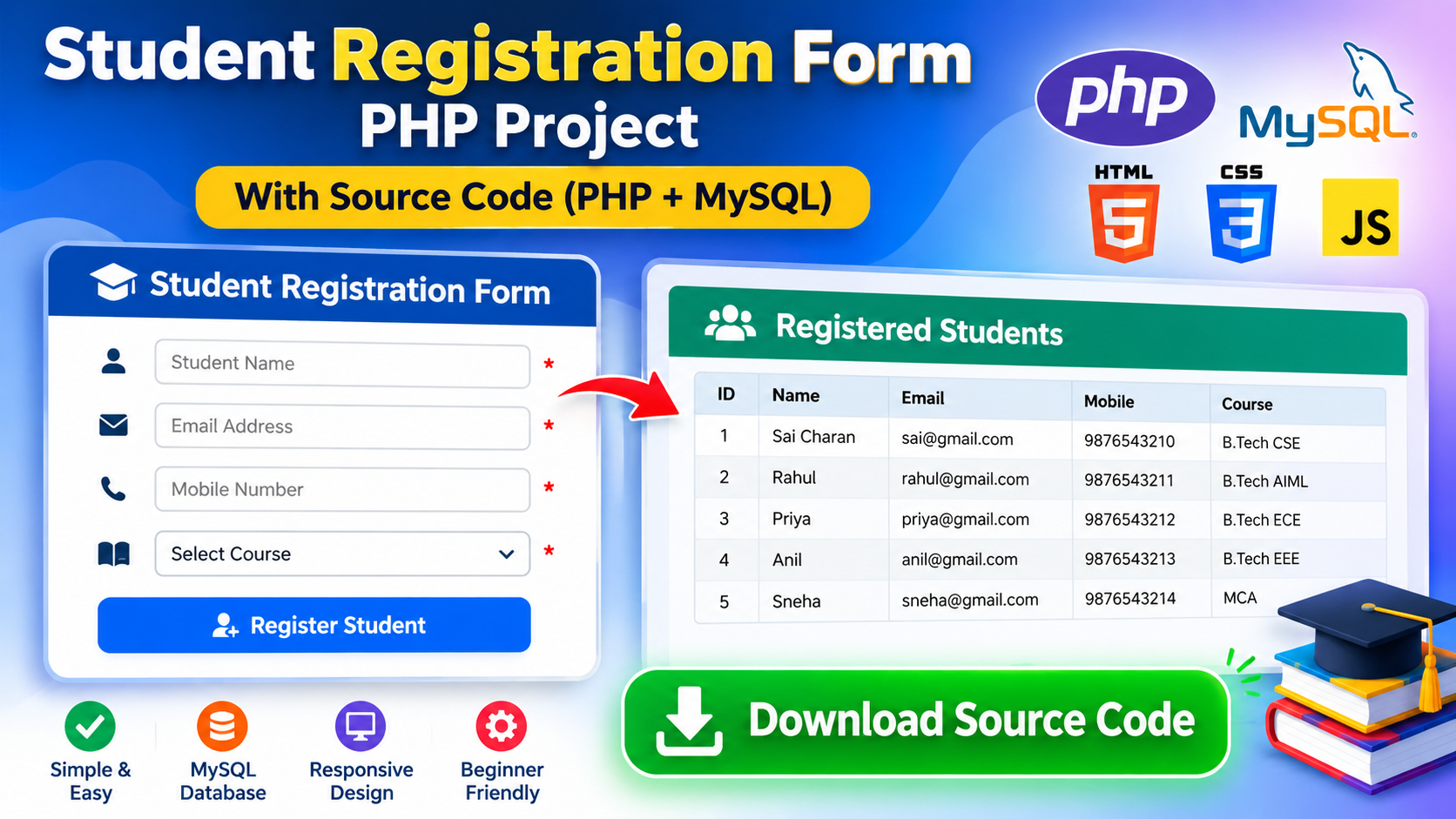
A Student Management System is a useful college project for learning how to store and manage student information.
Features
- Add student
- View students
- Search student
- Update student
- Delete student
Simple Source Code
students = {}

while True:
    print("\n1. Add Student")
    print("2. View Students")
    print("3. Search Student")
    print("4. Exit")

    choice = input("Enter choice: ")

    if choice == "1":
        roll = input("Enter roll number: ")
        name = input("Enter name: ")
        course = input("Enter course: ")

        students[roll] = {
            "name": name,
            "course": course
        }

        print("Student added successfully")

    elif choice == "2":
        for roll, student in students.items():
            print(roll, student)

    elif choice == "3":
        roll = input("Enter roll number: ")

        if roll in students:
            print(students[roll])
        else:
            print("Student not found")

    elif choice == "4":
        break

    else:
        print("Invalid choice")
You can improve this project by connecting it to SQLite or MySQL.
2. College Attendance Management System
An attendance management system can be used to record student attendance.
Features
- Add students
- Mark attendance
- View attendance
- Calculate attendance percentage
- Search students
Basic Source Code
students = ["Ravi", "Rahul", "Priya"]

attendance = {}

for student in students:
    status = input(f"{student} present? yes/no: ")
    attendance[student] = status

print("\nAttendance")

for student, status in attendance.items():
    print(student, status)
You can later add a database and GUI.
3. College Expense Tracker
An expense tracker helps students record their daily expenses.
Features
- Add expense
- Store amount
- Add category
- View expenses
- Calculate total
Source Code
expenses = []

while True:
    name = input("Enter expense name: ")
    amount = float(input("Enter amount: "))

    expenses.append({
        "name": name,
        "amount": amount
    })

    choice = input("Add another expense? yes/no: ")

    if choice.lower() != "yes":
        break

total = sum(item["amount"] for item in expenses)

print("Total Expenses:", total)
4. College Event Management System
Build a small application to manage college events.
Features
- Add events
- View events
- Register students
- Display participants
Example:
events = {}

event_name = input("Enter event name: ")

events[event_name] = []

student = input("Enter student name: ")

events[event_name].append(student)

print(events)
You can extend the project with login, registration forms, and a database.
5. Online Quiz Application
A quiz application is a good project for learning dictionaries, loops, conditions, and scoring.
Features
- Multiple questions
- Multiple-choice answers
- Score calculation
- Final result
Source Code
questions = {
    "What is 2 + 2? ": "4",
    "Which language are we learning? ": "python",
    "What is the capital of India? ": "delhi"
}

score = 0

for question, answer in questions.items():

    user_answer = input(question).lower()

    if user_answer == answer:
        print("Correct")
        score += 1
    else:
        print("Wrong")

print("Final Score:", score)
6. College Library Management System
A Library Management System can manage books and students.
Features
- Add books
- Search books
- Issue books
- Return books
- Display available books
Simple Source Code
books = [
    "Python Programming",
    "Data Structures",
    "Database Systems"
]

print("Available Books:")

for book in books:
    print(book)
For a complete project, use SQLite or MySQL.
7. College Canteen Billing System
A canteen billing system can calculate the total price of food items.
Features
- Display menu
- Select products
- Enter quantity
- Calculate bill
- Print receipt
Source Code
menu = {
    "Tea": 15,
    "Coffee": 20,
    "Sandwich": 50,
    "Burger": 80
}

total = 0

for item, price in menu.items():
    print(item, price)

item = input("Enter item: ")

if item in menu:
    quantity = int(input("Enter quantity: "))
    total = menu[item] * quantity

    print("Total =", total)
else:
    print("Item not found")
This project can later be connected to SQLite.
8. Student Grade Calculator
Create a project that calculates marks, percentage, and grade.
Source Code
marks = []

for i in range(5):
    mark = float(input("Enter marks: "))
    marks.append(mark)

total = sum(marks)
percentage = total / len(marks)

print("Total:", total)
print("Percentage:", percentage)

if percentage >= 90:
    grade = "A"
elif percentage >= 80:
    grade = "B"
elif percentage >= 70:
    grade = "C"
elif percentage >= 60:
    grade = "D"
else:
    grade = "F"

print("Grade:", grade)
This is a simple project for Python beginners.
9. To-Do List Application
A To-Do List is one of the easiest Python projects for college students.
Features
- Add task
- View tasks
- Delete tasks
- Mark tasks as completed
Basic Source Code
tasks = []

while True:

    print("\n1. Add Task")
    print("2. View Tasks")
    print("3. Exit")

    choice = input("Enter choice: ")

    if choice == "1":
        task = input("Enter task: ")
        tasks.append(task)

    elif choice == "2":
        for i, task in enumerate(tasks, 1):
            print(i, task)

    elif choice == "3":
        break
10. Contact Management System
Create an application to store contact details.
Features
- Add contact
- Search contact
- View contacts
- Delete contact
Source Code
contacts = {}

name = input("Enter name: ")
phone = input("Enter phone number: ")

contacts[name] = phone

print("Contact saved")
print(contacts)
You can add file or database storage to make it more useful.
11. Password Generator
A password generator can create random passwords using letters, numbers, and symbols.
Source Code
import random
import string

length = int(input("Enter password length: "))

characters = (
    string.ascii_letters +
    string.digits +
    string.punctuation
)

password = ""

for i in range(length):
    password += random.choice(characters)

print("Generated Password:", password)
This project teaches students about modules, loops, and random values.
12. Number Guessing Game
Create a game where the computer chooses a random number.
import random

number = random.randint(1, 100)

while True:

    guess = int(input("Guess the number: "))

    if guess < number:
        print("Too low")

    elif guess > number:
        print("Too high")

    else:
        print("Correct!")
        break
You can add an attempts counter and difficulty levels.
13. Rock Paper Scissors Game
Create a game against the computer.
import random

choices = ["rock", "paper", "scissors"]

computer = random.choice(choices)

user = input(
    "Enter rock, paper or scissors: "
).lower()

print("Computer:", computer)

if user == computer:
    print("Draw")

elif (
    (user == "rock" and computer == "scissors") or
    (user == "paper" and computer == "rock") or
    (user == "scissors" and computer == "paper")
):
    print("You win")

else:
    print("Computer wins")
14. Calculator Application
Build a calculator that performs basic mathematical operations.
Features
- Addition
- Subtraction
- Multiplication
- Division
a = float(input("Enter first number: "))
b = float(input("Enter second number: "))

print("1. Addition")
print("2. Subtraction")
print("3. Multiplication")
print("4. Division")

choice = input("Enter choice: ")

if choice == "1":
    print(a + b)

elif choice == "2":
    print(a - b)

elif choice == "3":
    print(a * b)

elif choice == "4":
    if b != 0:
        print(a / b)
    else:
        print("Cannot divide by zero")

else:
    print("Invalid choice")
15. Digital Clock
Use Tkinter to create a simple digital clock.
import tkinter as tk
import time

root = tk.Tk()

label = tk.Label(
    root,
    font=("Arial", 40)
)

label.pack()

def update_clock():

    current_time = time.strftime("%H:%M:%S")

    label.config(text=current_time)

    root.after(1000, update_clock)

update_clock()

root.mainloop()
This project introduces GUI programming using Tkinter.
16. File-Based Notes Application
Create an application that saves notes in a text file.
note = input("Enter your note: ")

with open("notes.txt", "a") as file:
    file.write(note + "\n")

print("Note saved successfully")
Students can extend this project by adding:
- View notes
- Delete notes
- Search notes
- Edit notes
17. Text File Analyzer
Create a program that analyzes a text file.
Features
- Count characters
- Count words
- Count lines
with open("data.txt", "r") as file:
    text = file.read()

characters = len(text)
words = len(text.split())
lines = len(text.splitlines())

print("Characters:", characters)
print("Words:", words)
print("Lines:", lines)
18. QR Code Generator
Python can generate QR codes using the qrcode package.
Install the package:
pip install qrcode
Source Code
import qrcode

data = input("Enter text or URL: ")

image = qrcode.make(data)

image.save("qrcode.png")

print("QR code created")
This is a simple project that can be expanded into a GUI application.
19. Weather Application
Create a weather application using a weather API.
Features
- Enter city
- Get temperature
- Weather condition
- Humidity
- Wind information
A typical workflow is:
User enters city
       ↓
Python sends API request
       ↓
API returns JSON data
       ↓
Python processes data
       ↓
Weather information displayed
You can use Python’s HTTP libraries to connect to a suitable weather API.
This project helps students understand APIs and JSON.
20. Expense Management System
Create a complete expense management project.
Features
- Add expenses
- View expenses
- Search expenses
- Calculate total
- Categorize expenses
- Save data
A simple database structure could contain:
id
description
category
amount
date
SQLite is a good choice for a beginner version.
21. Inventory Management System
An inventory system can manage products and quantities.
Features
- Add products
- View products
- Update quantity
- Delete products
- Search products
Example:
products = {
    "Laptop": 10,
    "Mouse": 25,
    "Keyboard": 15
}

for product, quantity in products.items():
    print(product, quantity)
You can connect this project to SQLite or MySQL.
22. Simple Login System
Create a basic login application.
username = "student"
password = "1234"

user = input("Username: ")
pwd = input("Password: ")

if user == username and pwd == password:
    print("Login successful")
else:
    print("Invalid login")
For a real application, never store passwords as plain text. Use secure password hashing and proper authentication.
23. Currency Converter
A currency converter can convert one currency into another.
A simple learning version can use a fixed exchange rate:
usd = float(input("Enter USD: "))

rate = 83

inr = usd * rate

print("INR:", inr)
For a real application, use a current exchange-rate API rather than a hard-coded rate.
24. Temperature Converter
Convert Celsius to Fahrenheit.
celsius = float(input("Enter Celsius: "))

fahrenheit = (celsius * 9 / 5) + 32

print("Fahrenheit:", fahrenheit)
You can add Fahrenheit-to-Celsius conversion to make it a two-way converter.
25. Quiz Management System
A more complete quiz project can allow students to take quizzes and save scores.
Features
- User registration
- Quiz categories
- Questions
- Multiple choices
- Score calculation
- Result history
You can store questions in a database.
Example table:
questions
----------
id
question
option_a
option_b
option_c
option_d
answer
Bonus Python Project Ideas
If you want more project ideas, try these:
26. Tic-Tac-Toe
Build a two-player Tic-Tac-Toe game.
Learn:
- Lists
- Functions
- Loops
- Game logic
27. Snake Game
Use Pygame to create a Snake game.
Learn:
- Game loops
- Keyboard controls
- Collision detection
- Score tracking
28. Face Detection
Use OpenCV to detect faces from an image or webcam.
Learn:
- Computer vision
- Image processing
- OpenCV
29. Chatbot
Create a simple rule-based chatbot.
Learn:
- Strings
- Conditions
- Functions
- Conversation logic
30. Machine Learning Prediction App
Build a simple ML application using a dataset.
Possible projects include:
- House price prediction
- Student score prediction
- Classification
- Customer prediction
You can use libraries such as:
NumPy
Pandas
Scikit-learn
Matplotlib
Best Python Projects for College Students
Choose a project based on your current level.
| Level | Project Ideas |
|---|---|
| Beginner | Calculator, Quiz, To-Do List |
| Beginner | Grade Calculator, Number Game |
| Intermediate | Student Management |
| Intermediate | Library Management |
| Intermediate | Expense Tracker |
| Intermediate | Inventory System |
| Intermediate | Attendance System |
| Advanced | Weather API App |
| Advanced | Face Detection |
| Advanced | Machine Learning App |
Python Projects for B.Tech Students
B.Tech students can choose projects according to their branch and interests.
CSE Students
- Student Management System
- Library Management System
- Inventory Management
- Quiz Application
- Chat Application
AIML Students
- Face Detection
- Sentiment Analysis
- Prediction System
- Recommendation System
- Chatbot
Data Science Students
- Data Analysis Dashboard
- Sales Analysis
- Student Performance Analysis
- Customer Analysis
- Visualization Project
Python Project Technologies
You can combine Python with different technologies depending on your project.
Python + Tkinter
Useful for desktop GUI applications.
Python + SQLite
Useful for small database applications.
Python + MySQL
Useful for larger database-based applications.
Python + Flask
Useful for lightweight web applications.
Python + Django
Useful for larger web applications.
Python + OpenCV
Useful for computer vision projects.
Python + Pandas
Useful for data analysis.
Python + Scikit-learn
Useful for machine learning projects.
How to Build a College Python Project
Follow these steps when creating your project.
Step 1: Select a Problem
Choose a problem that is useful and easy to explain.
Step 2: Define Features
Write down what your application should do.
For example, for a Student Management System:
- Add student
- Search student
- Update student
- Delete student
- View students
Step 3: Choose Technologies
Decide whether you need:
- Python
- Tkinter
- SQLite
- MySQL
- Flask
- APIs
Step 4: Create the Basic Version
First create a simple working application.
Do not try to build every feature at once.
Step 5: Add Database
If the project needs permanent data, use SQLite or MySQL.
Step 6: Add User Interface
You can use Tkinter for desktop applications or Flask/Django for web applications.
Step 7: Test the Project
Test:
- Valid inputs
- Invalid inputs
- Empty fields
- Duplicate data
- Incorrect values
- Error conditions
Step 8: Document Your Project
Create a README containing:
- Project title
- Description
- Features
- Technologies
- Installation
- How to run
- Screenshots
- Future improvements
Example Python Project Folder Structure
A simple college project can use:
student-management/
│
├── main.py
├── database.py
├── functions.py
├── README.md
└── requirements.txt
For a larger application:
student-management/
│
├── app.py
├── config.py
├── database/
│   └── database.py
├── modules/
│   ├── students.py
│   └── attendance.py
├── templates/
├── static/
└── README.md
How to Make Your College Project Better
A basic project can become a more complete project by adding useful features.
For example, start with:
Student Management System
Then add:
- Admin login
- Student registration
- Search
- Update
- Delete
- Attendance
- Marks
- Database
- Reports
- Export to CSV
- GUI
This makes the project more practical while still allowing you to build it step by step.
How to Add Your Python Project to GitHub
GitHub is useful for storing your source code and showing your work.
A simple repository can contain:
README.md
main.py
database.py
requirements.txt
Your README should explain:
- What the project does
- Features
- Technologies
- Installation steps
- How to run the project
- Screenshots
- Future improvements
Tips for College Students
Start Small
Do not choose a project that is much harder than your current skill level.
Understand the Code
If you use source code from tutorials or examples, understand how every important part works.
Add Your Own Features
Modify the project by adding features that solve a real problem.
Test Everything
Try different inputs and make sure the application handles errors correctly.
Keep Your Code Organized
Use functions, modules, and meaningful variable names.
Document Your Project
A good README makes your project easier to understand.
Frequently Asked Questions
What are the best Python projects for college students?
Student management systems, library management systems, attendance systems, expense trackers, quiz applications, inventory systems, and API-based applications are useful project ideas.
Can beginners build these Python projects?
Yes. Beginners should start with simple projects such as calculators, quizzes, number games, grade calculators, and To-Do Lists.
Can Python projects use databases?
Yes. Python works with databases such as SQLite and MySQL.
Can I use these projects for a college assignment?
These are project ideas and learning examples. You should understand the code and build or modify the project yourself according to your college requirements.
Can Python create GUI applications?
Yes. Tkinter is a common starting point for creating Python desktop GUI applications.
Can Python be used for AI and Machine Learning projects?
Yes. Python has many libraries for AI and machine learning, including NumPy, Pandas, Scikit-learn, and other specialized libraries.
Can I upload Python projects to GitHub?
Yes. GitHub can be used to store, manage, and share your Python source code.
Conclusion
Building projects is one of the best ways for college students to improve their Python programming skills.
The 20+ Python projects in this article cover a wide range of ideas, from simple beginner applications to projects involving databases, APIs, GUI development, computer vision, and machine learning.
If you are a beginner, start with a small project such as a calculator, quiz application, To-Do List, or grade calculator. Once you become comfortable with Python, move to projects such as Student Management, Library Management, Expense Tracking, Attendance Management, and Inventory Management.
For advanced students, Python can also be combined with databases, APIs, OpenCV, Flask, Django, and machine learning libraries.
The most important point is to understand the project and build it step by step. Do not focus only on completing the project. Use each project as an opportunity to learn a new Python concept and improve your programming skills.