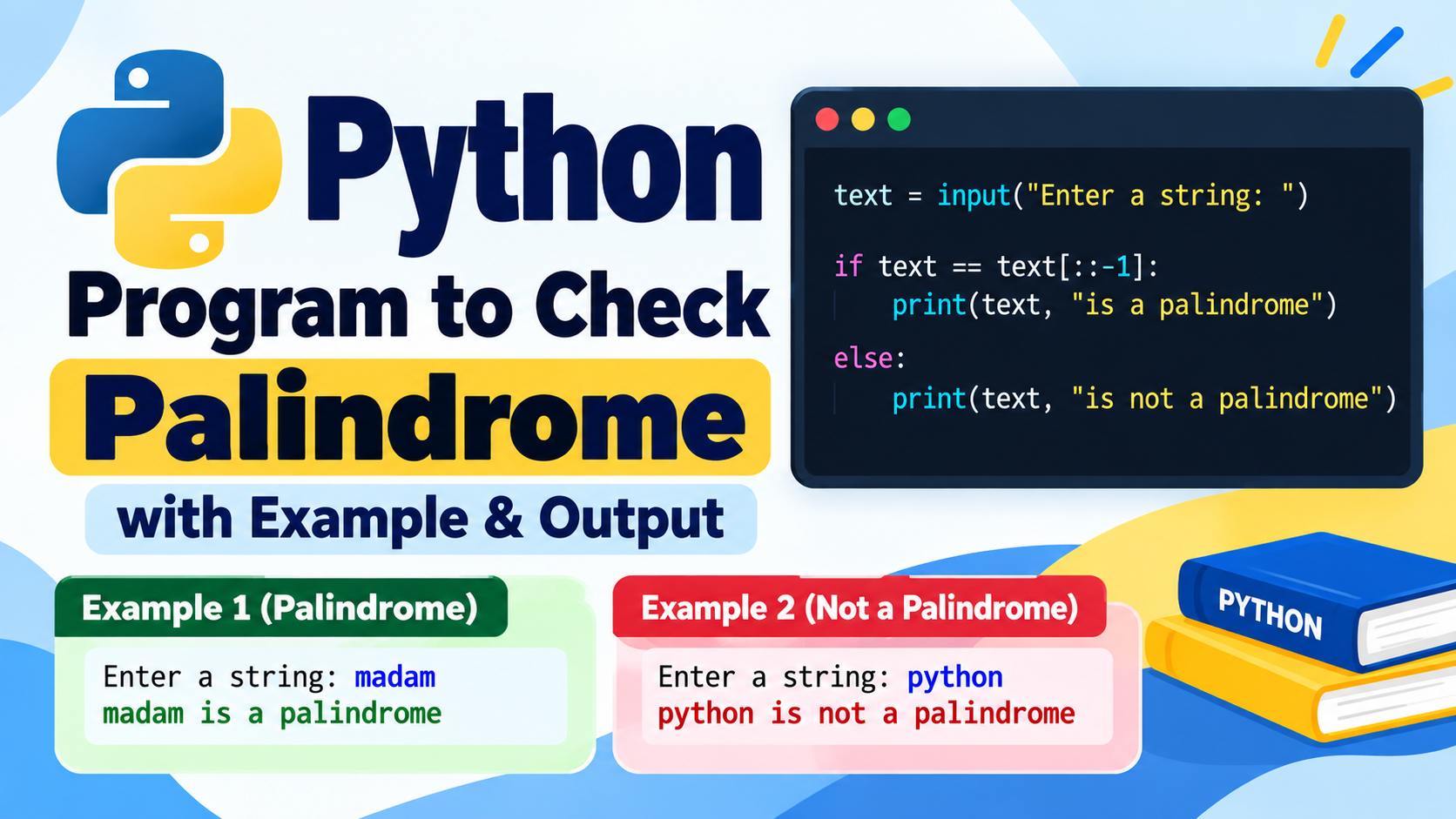
A Python program to check a prime number is a common programming exercise for beginners and B.Tech students. It helps you understand conditional statements, loops, the modulo operator, and basic number logic.
In this article, you will learn how to write a Python program to check whether a number is prime, understand the logic step by step, and see example programs with outputs.
What Is a Prime Number in Python?
A prime number is a natural number greater than 1 that has exactly two factors:
- 1
- The number itself
For example:
- 2 is a prime number.
- 3 is a prime number.
- 5 is a prime number.
- 7 is a prime number.
- 9 is not a prime number because it is divisible by 1, 3, and 9.
- 1 is not a prime number.
1. Python Program to Check Prime Number
Here is a simple Python program to check whether a given number is prime.
num = int(input("Enter a number: "))

if num > 1:
    for i in range(2, num):
        if num % i == 0:
            print(num, "is not a prime number")
            break
    else:
        print(num, "is a prime number")
else:
    print(num, "is not a prime number")
Output 1
Enter a number: 7
7 is a prime number
Output 2
Enter a number: 10
10 is not a prime number
2. Explanation of the Program
Let’s understand the program line by line.
Step 1: Read the number
num = int(input("Enter a number: "))
The input() function accepts a number from the user. The int() function converts the input into an integer.
Step 2: Check whether the number is greater than 1
if num > 1:
Prime numbers are always greater than 1. Therefore, numbers less than or equal to 1 are not prime.
Step 3: Check divisibility
for i in range(2, num):
The loop checks whether the number is divisible by any integer from 2 to num - 1.
Step 4: Use the modulo operator
if num % i == 0:
The modulo operator % returns the remainder after division. If the remainder is 0, the number is divisible by i and is not prime.
Step 5: Stop the loop
break
Once a divisor is found, there is no need to continue checking.
Step 6: Display the result
else:
    print(num, "is a prime number")
The else block belongs to the for loop. It executes when the loop completes without encountering a break.
3. Python Program to Check Prime Number Using a Function
Functions make programs easier to reuse and organize.
def is_prime(num):
    if num <= 1:
        return False

    for i in range(2, num):
        if num % i == 0:
            return False

    return True

n = int(input("Enter a number: "))

if is_prime(n):
    print(n, "is a prime number")
else:
    print(n, "is not a prime number")
Output
Enter a number: 13
13 is a prime number
Explanation
is_prime(num)defines a function that checks a number.return Falseindicates that the number is not prime.return Trueindicates that the number is prime.- The
ifstatement displays the result based on the function’s return value.
4. Optimized Python Program to Check Prime Number
Instead of checking every number up to num - 1, we can check divisors only up to the square root of the given number.
If a number has a divisor greater than its square root, it must also have a corresponding divisor smaller than its square root.
num = int(input("Enter a number: "))

if num <= 1:
    print(num, "is not a prime number")
else:
    for i in range(2, int(num ** 0.5) + 1):
        if num % i == 0:
            print(num, "is not a prime number")
            break
    else:
        print(num, "is a prime number")
Output
Enter a number: 29
29 is a prime number
This approach reduces the number of divisibility checks, making it more efficient for larger inputs.
5. Python Program to Print Prime Numbers from 1 to N
You can also write a program to print all prime numbers within a given range.
n = int(input("Enter the limit: "))

print("Prime numbers:")

for num in range(2, n + 1):
    for i in range(2, int(num ** 0.5) + 1):
        if num % i == 0:
            break
    else:
        print(num, end=" ")
Output
Enter the limit: 20
Prime numbers:
2 3 5 7 11 13 17 19
Explanation
- The outer loop selects each number from 2 to
n. - The inner loop checks whether the selected number has a divisor.
- If a divisor is found,
breakstops the inner loop. - If no divisor is found, the loop’s
elseblock prints the prime number.
6. Python Program to Check Prime Number Using While Loop
The same logic can be implemented using a while loop.
num = int(input("Enter a number: "))

if num <= 1:
    print(num, "is not a prime number")
else:
    i = 2

    while i < num:
        if num % i == 0:
            print(num, "is not a prime number")
            break
        i += 1
    else:
        print(num, "is a prime number")
Output
Enter a number: 17
17 is a prime number
This program checks divisibility using a while loop instead of a for loop.
7. Sample Prime Numbers and Their Outputs
| Input | Output |
|---|---|
| 1 | Not a prime number |
| 2 | Prime number |
| 3 | Prime number |
| 4 | Not a prime number |
| 5 | Prime number |
| 9 | Not a prime number |
| 11 | Prime number |
| 15 | Not a prime number |
| 17 | Prime number |
| 25 | Not a prime number |
8. Algorithm to Check a Prime Number
Algorithm:
- Start.
- Read an integer
num. - If
numis less than or equal to 1, display that it is not prime. - Otherwise, initialize a loop from 2 to the square root of
num. - Check whether
numis divisible by the loop variable. - If divisible, display that the number is not prime.
- If no divisor is found, display that the number is prime.
- Stop.
9. Flowchart Logic
        Start
          |
     Read number
          |
      num <= 1?
       /     \
     Yes      No
      |        |
 Not Prime  Check divisors
               |
        Any divisor found?
          /         \
        Yes          No
         |            |
     Not Prime      Prime
          \          /
             End
10. Time Complexity
The time complexity depends on the approach used.
| Approach | Time Complexity |
|---|---|
Check divisors up to num - 1 | O(n) |
| Check divisors up to square root | O(√n) |
| Check prime numbers in a range using the optimized method | Depends on the range and number of candidates |
The optimized single-number method is generally more efficient because it checks fewer possible divisors.
11. Common Mistakes in Prime Number Programs
Mistake 1: Treating 1 as a prime number
A prime number must have exactly two distinct positive factors. The number 1 has only one factor, so it is not prime.
Mistake 2: Starting the loop from 1
Every positive integer is divisible by 1. Starting the divisor check at 1 will incorrectly classify numbers as non-prime.
Mistake 3: Forgetting the break statement
When a divisor is found, the loop can stop immediately. Without break, the program may continue performing unnecessary checks.
Mistake 4: Incorrect loop range
When checking divisors up to the square root, use:
range(2, int(num ** 0.5) + 1)
The + 1 ensures that the integer square root is included when appropriate.
12. Frequently Asked Questions
Q1. What is a prime number in Python?
A prime number is a natural number greater than 1 that has exactly two positive factors: 1 and itself.
Q2. How do you check whether a number is prime in Python?
Use a loop to check whether the number is divisible by any integer from 2 up to its square root. If no divisor is found, the number is prime.
Q3. Is 0 a prime number?
No. Zero is not a prime number.
Q4. Is 1 a prime number?
No. The number 1 has only one positive factor, so it is not prime.
Q5. What is the most efficient simple method to check a prime number?
For a basic program, checking divisors only up to the square root of the number is an efficient and easy-to-understand approach.
Q6. Can we check prime numbers using a function?
Yes. You can define a function that returns True if the number is prime and False otherwise.
Conclusion
A Python program to check a prime number is a useful beginner-level coding exercise. It helps students practice loops, conditional statements, functions, and the modulo operator.
You can use the basic for loop method to understand the logic, the while loop method to practice iteration, or the optimized square-root method to improve efficiency. Practice these examples with different inputs to strengthen your Python programming skills.