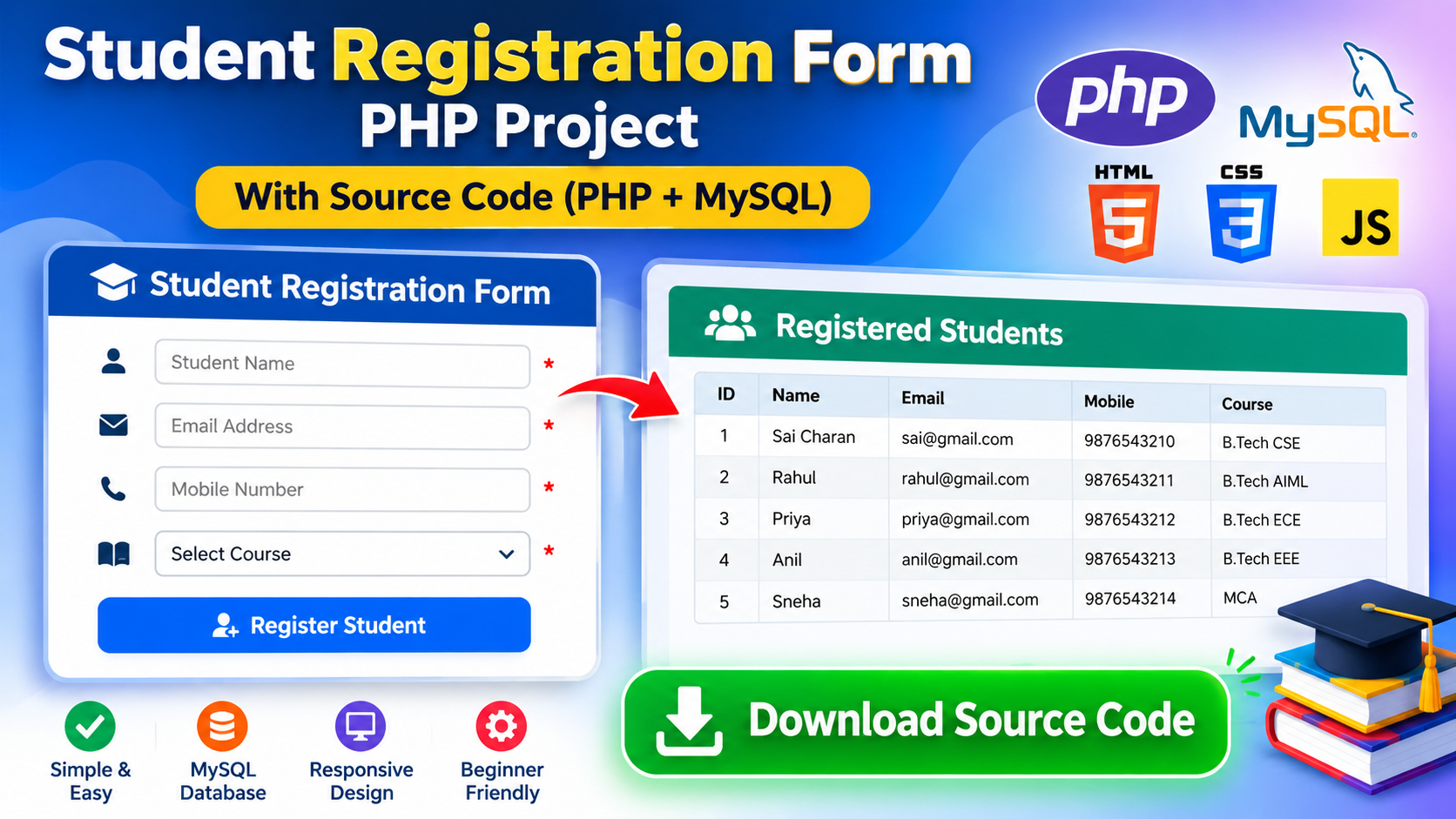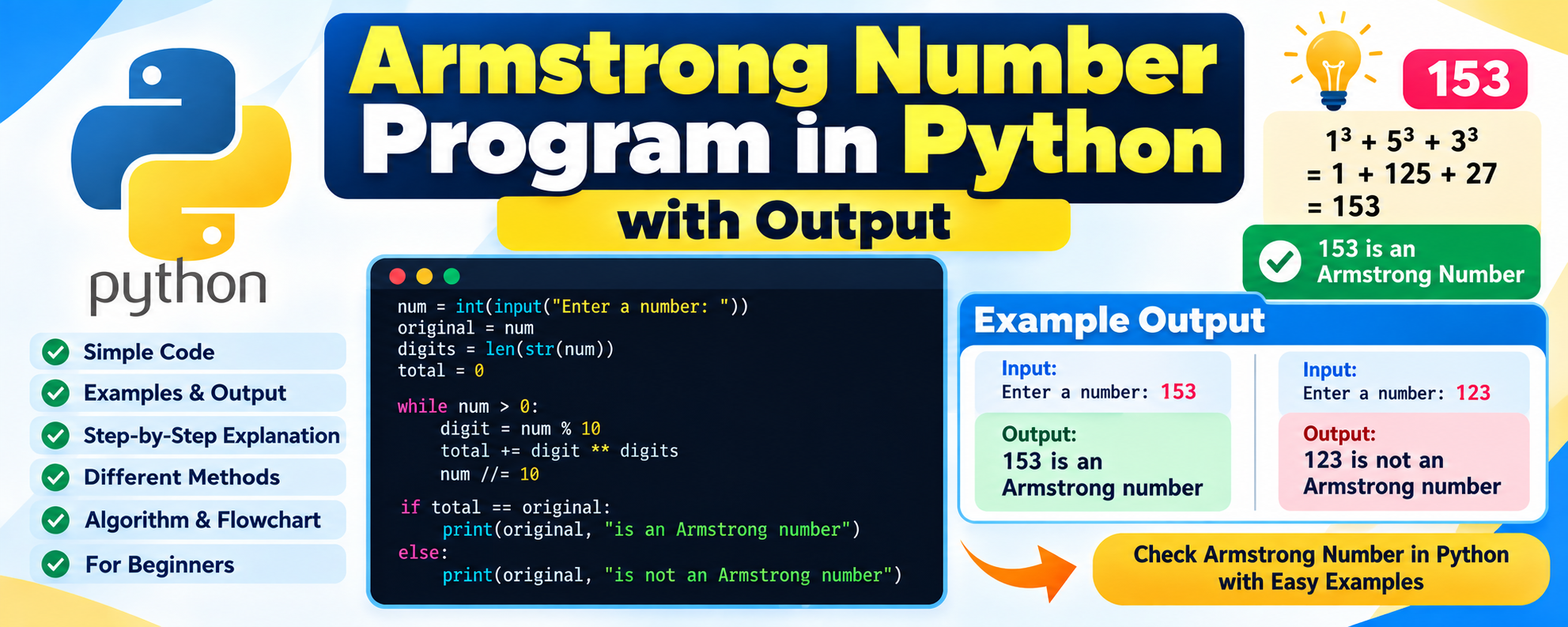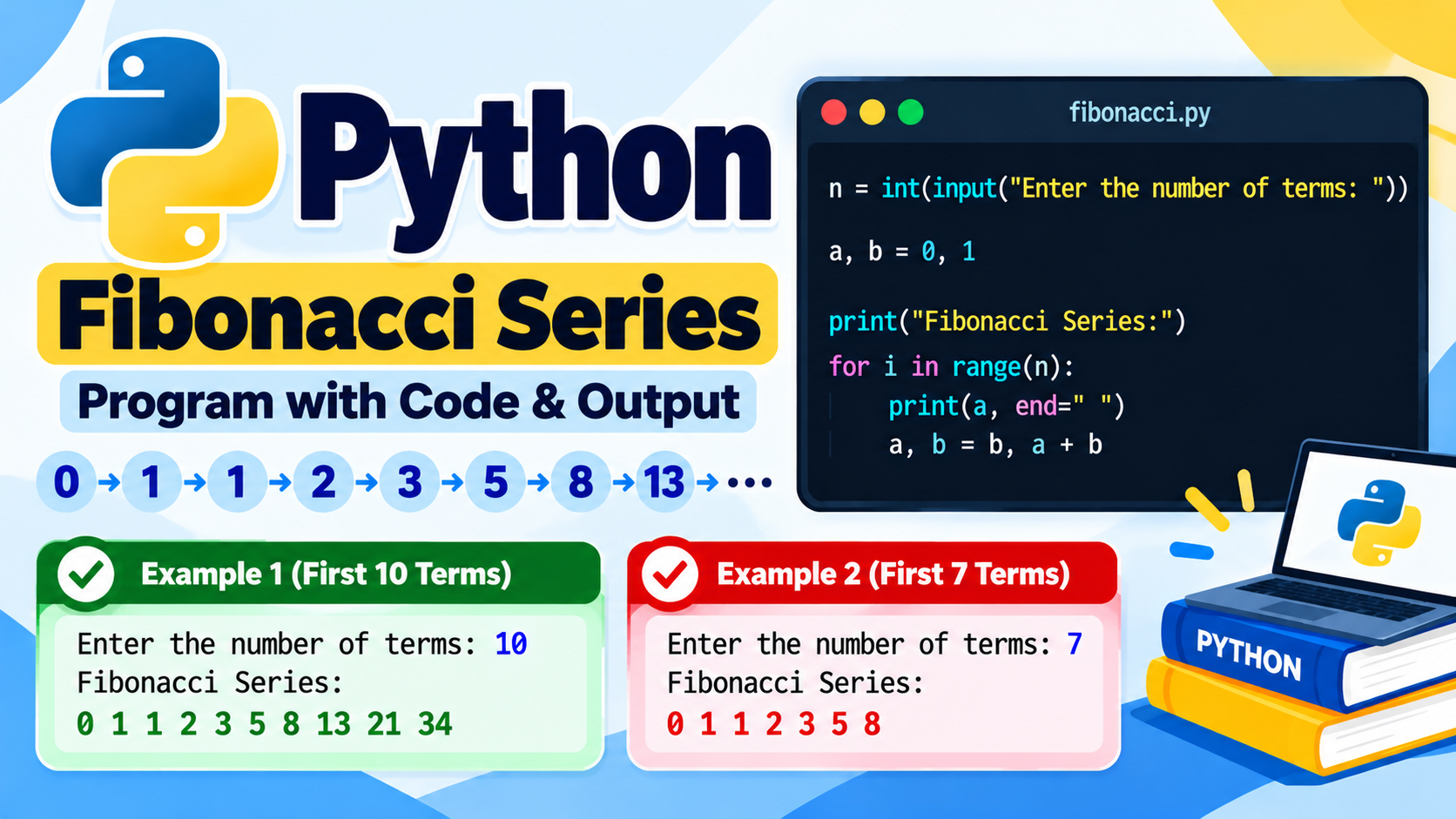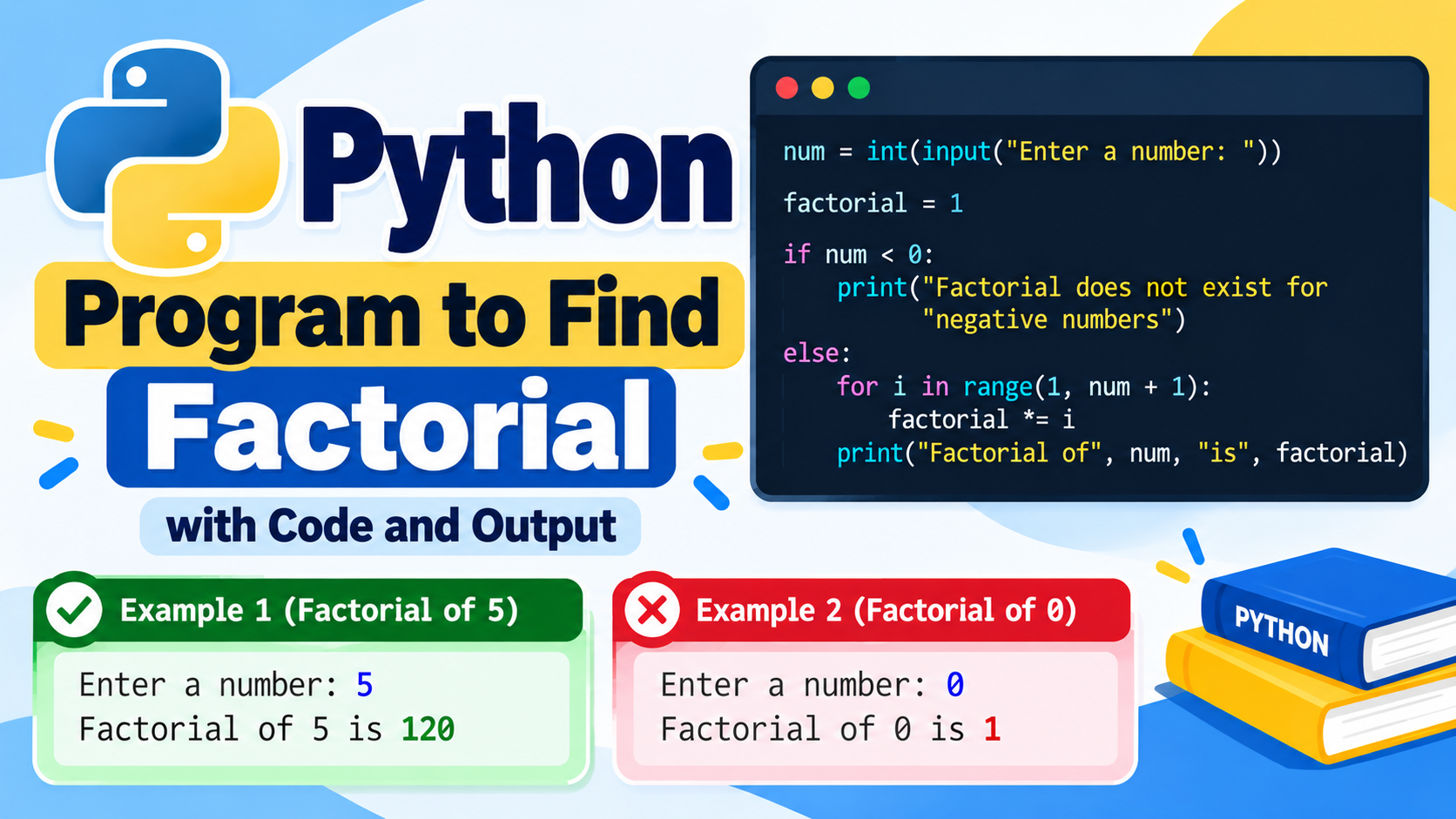
Learning Python becomes more interesting when you build real projects. After learning variables, loops, conditions, functions, lists, and other Python concepts, the next step is to use those concepts to create small applications.
If you are a B.Tech student, college student, beginner programmer, or Python learner, mini projects are a great way to practice programming and understand how different concepts work together.
In this article, we will look at 25+ Python mini projects for students with source code ideas, ranging from very simple beginner projects to slightly more advanced projects using files, Tkinter, APIs, and databases.
These projects can be useful for:
- Python practice
- College assignments
- Practical exams
- Mini project ideas
- Programming portfolios
- GitHub projects
- Learning Python
- Improving problem-solving skills
Why Build Python Mini Projects?
Reading Python syntax is only the first step. Building projects helps you understand how programming concepts are used in real applications.
Mini projects can help you learn:
- Python programming
- Problem-solving
- Functions
- File handling
- Data structures
- Object-oriented programming
- GUI development
- APIs
- Database connectivity
- Project organization
You do not need to start with a complicated project. Begin with a small idea and add features gradually.
25+ Python Mini Project Ideas
1. Calculator
A calculator is one of the easiest Python projects for beginners.
Features
- Addition
- Subtraction
- Multiplication
- Division
- Modulus
Simple Source Code
def calculator():
    a = float(input("Enter first number: "))
    b = float(input("Enter second number: "))

    print("1. Addition")
    print("2. Subtraction")
    print("3. Multiplication")
    print("4. Division")

    choice = input("Enter choice: ")

    if choice == "1":
        print("Result =", a + b)
    elif choice == "2":
        print("Result =", a - b)
    elif choice == "3":
        print("Result =", a * b)
    elif choice == "4":
        if b != 0:
            print("Result =", a / b)
        else:
            print("Cannot divide by zero")
    else:
        print("Invalid choice")

calculator()
This project helps beginners understand functions, input, conditions, and operators.
2. Number Guessing Game
Create a game where the computer generates a random number and the user tries to guess it.
Features
- Random number generation
- User input
- Hints
- Attempts counter
Source Code
import random

number = random.randint(1, 100)
attempts = 0

while True:
    guess = int(input("Guess the number: "))
    attempts += 1

    if guess < number:
        print("Too low")
    elif guess > number:
        print("Too high")
    else:
        print("Correct!")
        print("Attempts:", attempts)
        break
This project is useful for learning loops, conditions, and the random module.
3. Rock Paper Scissors
Build a simple Rock Paper Scissors game against the computer.
Features
- Rock
- Paper
- Scissors
- Random computer choice
- Winner calculation
Source Code
import random

choices = ["rock", "paper", "scissors"]

computer = random.choice(choices)

user = input("Enter rock, paper or scissors: ").lower()

print("Computer:", computer)

if user == computer:
    print("Draw")
elif (
    (user == "rock" and computer == "scissors") or
    (user == "paper" and computer == "rock") or
    (user == "scissors" and computer == "paper")
):
    print("You win")
else:
    print("Computer wins")
4. To-Do List
A To-Do List application allows users to add and manage tasks.
Features
- Add tasks
- View tasks
- Delete tasks
- Mark tasks as completed
A simple version can store tasks inside a Python list.
tasks = []

while True:
    print("\n1. Add Task")
    print("2. View Tasks")
    print("3. Exit")

    choice = input("Enter choice: ")

    if choice == "1":
        task = input("Enter task: ")
        tasks.append(task)

    elif choice == "2":
        for i, task in enumerate(tasks, 1):
            print(i, task)

    elif choice == "3":
        break

    else:
        print("Invalid choice")
5. Student Grade Calculator
Create a program that accepts marks and calculates grades.
Features
- Enter student marks
- Calculate total
- Calculate percentage
- Display grade
marks = []

for i in range(5):
    mark = float(input("Enter marks: "))
    marks.append(mark)

total = sum(marks)
percentage = total / len(marks)

print("Total:", total)
print("Percentage:", percentage)

if percentage >= 90:
    grade = "A"
elif percentage >= 80:
    grade = "B"
elif percentage >= 70:
    grade = "C"
elif percentage >= 60:
    grade = "D"
else:
    grade = "F"

print("Grade:", grade)
This is especially useful for students learning lists, loops, and conditions.
6. Password Generator
Build a program that generates random passwords.
Features
- User-defined password length
- Letters
- Numbers
- Special characters
import random
import string

length = int(input("Enter password length: "))

characters = string.ascii_letters + string.digits + string.punctuation

password = ""

for i in range(length):
    password += random.choice(characters)

print("Generated Password:", password)
7. Countdown Timer
Create a countdown timer using Python.
import time

seconds = int(input("Enter seconds: "))

while seconds > 0:
    print(seconds)
    time.sleep(1)
    seconds -= 1

print("Time's up!")
This project introduces the time module.
8. Digital Clock
Create a simple digital clock using Python.
For a GUI version, you can use Tkinter.
import tkinter as tk
import time

root = tk.Tk()

label = tk.Label(root, font=("Arial", 40))
label.pack()

def update_clock():
    current_time = time.strftime("%H:%M:%S")
    label.config(text=current_time)
    root.after(1000, update_clock)

update_clock()

root.mainloop()
9. Contact Book
Create a simple contact management application.
Features
- Add contact
- Search contact
- View contacts
- Delete contact
contacts = {}

name = input("Enter name: ")
phone = input("Enter phone number: ")

contacts[name] = phone

print(contacts)
You can extend this project by saving contacts to a file or database.
10. Quiz Application
Create a multiple-choice quiz.
Features
- Questions
- Multiple options
- Score
- Final result
questions = {
    "What is the capital of India? ": "delhi",
    "Which language are we learning? ": "python",
    "What is 2 + 2? ": "4"
}

score = 0

for question, answer in questions.items():
    user_answer = input(question).lower()

    if user_answer == answer:
        score += 1
        print("Correct!")
    else:
        print("Wrong!")

print("Your score:", score)
11. Expense Tracker
An expense tracker helps users record daily expenses.
Features
- Add expense
- Store amount
- Add category
- Calculate total expenses
Example:
expenses = []

while True:
    name = input("Enter expense name: ")
    amount = float(input("Enter amount: "))

    expenses.append((name, amount))

    choice = input("Add another? yes/no: ")

    if choice.lower() != "yes":
        break

total = sum(amount for name, amount in expenses)

print("Total Expenses:", total)
You can later connect this project to SQLite.
12. BMI Calculator
Create a program to calculate Body Mass Index.
weight = float(input("Enter weight in kg: "))
height = float(input("Enter height in meters: "))

bmi = weight / (height ** 2)

print("BMI =", round(bmi, 2))
This project helps beginners practice formulas, input, and arithmetic operations.
13. Random Quote Generator
Create a program that displays a random quote.
import random

quotes = [
    "Keep learning.",
    "Practice makes progress.",
    "Never stop coding.",
    "Learn something new every day."
]

print(random.choice(quotes))
You can later connect the project to an online API.
14. Word Counter
Create a program that counts words in a sentence.
text = input("Enter a sentence: ")

words = text.split()

print("Number of words:", len(words))
You can extend this project to count:
- Characters
- Words
- Sentences
- Paragraphs
15. Password Strength Checker
Create a program that checks whether a password contains different types of characters.
password = input("Enter password: ")

has_digit = any(char.isdigit() for char in password)
has_upper = any(char.isupper() for char in password)
has_lower = any(char.islower() for char in password)

if len(password) >= 8 and has_digit and has_upper and has_lower:
    print("Strong Password")
else:
    print("Weak Password")
16. File-Based Notes App
Create a simple application that saves notes into a text file.
note = input("Enter your note: ")

with open("notes.txt", "a") as file:
    file.write(note + "\n")

print("Note saved successfully")
This project introduces file handling.
17. Text File Analyzer
Create a program that reads a text file and displays statistics.
Features
- Number of lines
- Number of words
- Number of characters
with open("data.txt", "r") as file:
    text = file.read()

print("Characters:", len(text))
print("Words:", len(text.split()))
print("Lines:", len(text.splitlines()))
18. Simple Banking System
Create a basic banking application.
Features
- Check balance
- Deposit money
- Withdraw money
- Exit
balance = 1000

while True:
    print("\n1. Check Balance")
    print("2. Deposit")
    print("3. Withdraw")
    print("4. Exit")

    choice = input("Enter choice: ")

    if choice == "1":
        print("Balance:", balance)

    elif choice == "2":
        amount = float(input("Enter amount: "))
        balance += amount

    elif choice == "3":
        amount = float(input("Enter amount: "))

        if amount <= balance:
            balance -= amount
        else:
            print("Insufficient balance")

    elif choice == "4":
        break
19. Currency Converter
Create a simple currency conversion application.
A basic version can use fixed conversion values.
usd = float(input("Enter amount in USD: "))

rate = 83

inr = usd * rate

print("Amount in INR:", inr)
For a real application, you can connect the project to a currency exchange API.
20. Temperature Converter
Create a program to convert Celsius to Fahrenheit.
Formula:
F = (C × 9/5) + 32
Source Code
celsius = float(input("Enter temperature in Celsius: "))

fahrenheit = (celsius * 9 / 5) + 32

print("Fahrenheit:", fahrenheit)
21. Simple Login System
Create a basic username and password program.
username = "admin"
password = "1234"

user = input("Username: ")
pwd = input("Password: ")

if user == username and pwd == password:
    print("Login successful")
else:
    print("Invalid username or password")
For real applications, passwords should not be stored as plain text.
22. Inventory Management System
Create a small inventory application.
Features
- Add products
- View products
- Update quantity
- Remove products
products = {}

products["Laptop"] = 10
products["Mouse"] = 25
products["Keyboard"] = 15

for name, quantity in products.items():
    print(name, quantity)
You can extend this project using SQLite or MySQL.
23. Library Management System
A library management project can manage books and students.
Features
- Add books
- View books
- Search books
- Issue books
- Return books
Example:
books = [
    "Python Programming",
    "Data Structures",
    "Machine Learning"
]

for book in books:
    print(book)
A complete version can use classes and a database.
24. Student Management System
Create a project for storing student information.
Features
- Add students
- View students
- Search students
- Update student information
- Delete students
Example:
students = {}

students[101] = {
    "name": "Ravi",
    "course": "CSE",
    "year": 3
}

print(students)
25. Attendance Management System
Create a simple attendance application.
Features
- Add student names
- Mark present/absent
- Display attendance
- Calculate attendance percentage
Example:
students = ["Ravi", "Rahul", "Priya"]

attendance = {}

for student in students:
    status = input(f"{student} present? yes/no: ")
    attendance[student] = status

print(attendance)
26. Tic-Tac-Toe Game
Tic-Tac-Toe is a good beginner-to-intermediate Python project.
Features
- Two players
- 3×3 board
- Turn-based gameplay
- Winner detection
- Draw detection
This project is useful for learning:
- Lists
- Loops
- Functions
- Conditions
- Game logic
27. Snake Game
A Snake game can be developed using Python and Pygame.
Features
- Snake movement
- Food
- Score
- Collision detection
- Game over
Example project structure:
snake-game/
│
├── main.py
├── settings.py
└── assets/
This is a good project for students who want to learn game development.
28. QR Code Generator
Python can be used to generate QR codes.
A common package is qrcode.
Install it using:
pip install qrcode
Example:
import qrcode

data = "https://example.com"

image = qrcode.make(data)

image.save("qrcode.png")

print("QR Code created")
You can extend the project with a GUI.
29. URL Shortener
Create a simple URL-shortening project.
A basic learning version can map short codes to URLs:
urls = {}

short_code = input("Enter short code: ")
long_url = input("Enter URL: ")

urls[short_code] = long_url

print("Saved:", urls)
A real URL-shortening service would require a database and web application.
30. Weather Application
Create a weather application using Python and a weather API.
Features
- Enter city
- Get temperature
- Display weather condition
- Display humidity
- Display wind information
This project helps students learn:
- APIs
- JSON
- HTTP requests
- Data processing
Best Python Mini Projects for Beginners
If you are completely new to Python, start with:
- Calculator
- Number Guessing Game
- Rock Paper Scissors
- Student Grade Calculator
- To-Do List
- Word Counter
- Temperature Converter
- BMI Calculator
- Password Generator
- Quiz Application
These projects use basic Python concepts and are easier to understand.
Intermediate Python Mini Projects
After learning the basics, try:
- Expense Tracker
- Contact Book
- Banking System
- Library Management System
- Student Management System
- Attendance System
- Inventory System
- File Analyzer
- QR Code Generator
- Weather Application
These projects introduce file handling, APIs, databases, and GUI programming.
Python Mini Projects Using Tkinter
Tkinter is Python’s standard GUI toolkit.
You can create desktop applications such as:
- Calculator
- Digital clock
- To-do list
- Student management system
- Quiz application
- Expense tracker
- Login form
- Notepad
- Unit converter
- Password generator
Example:
import tkinter as tk

window = tk.Tk()

window.title("Python App")

label = tk.Label(window, text="Hello Python")
label.pack()

window.mainloop()
Python Mini Projects Using SQLite
SQLite is useful for projects that need persistent data.
You can create:
- Student management system
- Library management system
- Expense tracker
- Inventory management system
- Contact management system
- Attendance system
- Billing system
Example:
import sqlite3

connection = sqlite3.connect("students.db")

cursor = connection.cursor()

cursor.execute("""
CREATE TABLE IF NOT EXISTS students (
    id INTEGER PRIMARY KEY,
    name TEXT,
    course TEXT
)
""")

connection.commit()
connection.close()
Python Projects for B.Tech Students
B.Tech students can choose projects based on their skill level.
Beginner Projects
- Calculator
- Quiz application
- To-do list
- Number guessing game
- Student grade calculator
Intermediate Projects
- Student management system
- Library management system
- Expense tracker
- Attendance system
- Inventory management system
Advanced Projects
- Weather application
- Chat application
- AI chatbot
- Face detection system
- Machine learning prediction system
- Web application using Flask or Django
How to Choose a Python Mini Project
Choose a project according to your current skill level.
Step 1: Select a Simple Idea
Start with a project you can understand.
Step 2: List the Features
Write down what the application should do.
For example, a To-Do List can have:
- Add task
- View task
- Delete task
- Complete task
Step 3: Design the Program
Decide which Python concepts you need.
Step 4: Build the Basic Version
Do not try to add every feature immediately.
Create a working basic version first.
Step 5: Add More Features
After the basic project works, add:
- File storage
- GUI
- Database
- Search
- Login
- Reports
How to Make Your Python Project Better
A simple project can become a strong college project by adding useful features.
For example, start with a basic student management system.
Then add:
- Login system
- Student registration
- Search
- Update
- Delete
- Database
- Export to CSV
- Reports
- GUI
- Validation
This gives you a more complete project without making the initial development too difficult.
Python Mini Project Folder Structure
A simple Python project can use this structure:
python-project/
│
├── main.py
├── database.py
├── functions.py
├── README.md
└── requirements.txt
For larger projects:
python-project/
│
├── app.py
├── config.py
├── database/
│   └── db.py
├── modules/
│   ├── users.py
│   └── products.py
├── templates/
└── README.md
How to Add a Python Project to GitHub
GitHub is useful for storing and sharing your projects.
A simple project repository can contain:
README.md
main.py
requirements.txt
The README should explain:
- Project name
- Project description
- Features
- Technologies used
- Installation
- How to run
- Screenshots
- Future improvements
Python Mini Project Ideas for a Resume
If you want to add Python projects to your resume, choose projects that demonstrate practical skills.
Examples include:
- Expense Tracker using Python and SQLite
- Student Management System
- Weather Application using API
- Inventory Management System
- Quiz Application
- Python Automation Tool
- Face Detection Application
- Machine Learning Prediction System
Focus on explaining what you built and what technologies you used.
Frequently Asked Questions
What is a Python mini project?
A Python mini project is a small application developed using Python to solve a particular problem or demonstrate programming concepts.
Which Python project is best for beginners?
Simple projects such as calculators, number guessing games, quiz applications, To-Do Lists, and grade calculators are good starting points.
Can B.Tech students use these Python projects?
Yes. These ideas can be used for Python practice, lab assignments, mini projects, and learning. Students should modify and extend projects rather than submitting copied code.
Can Python projects use databases?
Yes. Python can work with databases such as SQLite and MySQL.
Can Python create GUI applications?
Yes. Python supports GUI development using tools such as Tkinter and other GUI frameworks.
Can Python be used for web development?
Yes. Python can be used for web development with frameworks such as Flask and Django.
Can Python projects be uploaded to GitHub?
Yes. GitHub is commonly used to store and share source code. A good repository should include a README and clear project structure.
Conclusion
Building projects is one of the best ways to improve your Python programming skills. The 25+ Python mini projects in this article provide ideas for beginners and students at different skill levels.
Start with a simple project such as a calculator, quiz application, or number guessing game. Once you understand the basics, move to projects involving files, databases, GUI applications, and APIs.
For B.Tech students, a well-designed Python project can also demonstrate programming, problem-solving, database, and application-development skills.
The most important thing is to write and understand the code yourself. Start small, build a working version, and then add new features as your skills improve.